Pebble watch faces & apps in Elm.
Write a watchface in a calm, typed language — run it in the browser IDE, then on a Pebble. Same Elm Architecture you may know from the web, aimed at a tiny round screen.
Beta: Compiler, IDE, packages, and APIs can still change while the project settles.
Built with Elm Pebble
Real templates you can open tonight — not mockups.
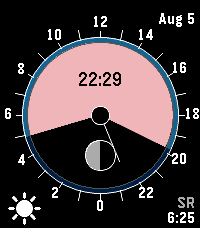
YES
Solar dial, moon phase, and companion weather on a dense round face.
Open in IDE →Tangram Time
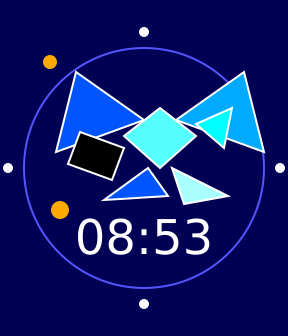
Geometric art that still tells time — a favorite showpiece.
Open in IDE →Digital
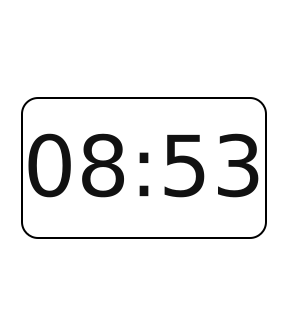
A clean starting face: time, layout, and colors you can reshape quickly.
Open in IDE →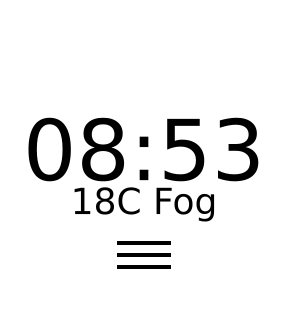
Weather animated
Companion weather plus vector weather icons on the wrist.
Open in IDE →Pick your on-ramp
I know Elm
Open a template, skim the packages, and compile watch Elm to C with the same TEA habits you already use.
New to Elm
Pebble projects are a friendly place to learn: small scope, wearable feedback, and the same architecture as browser Elm.
Edit in the browser, see it on the watch
The hosted IDE pairs Elm editing with an emulator and debugger so you can feel the loop before you flash hardware.
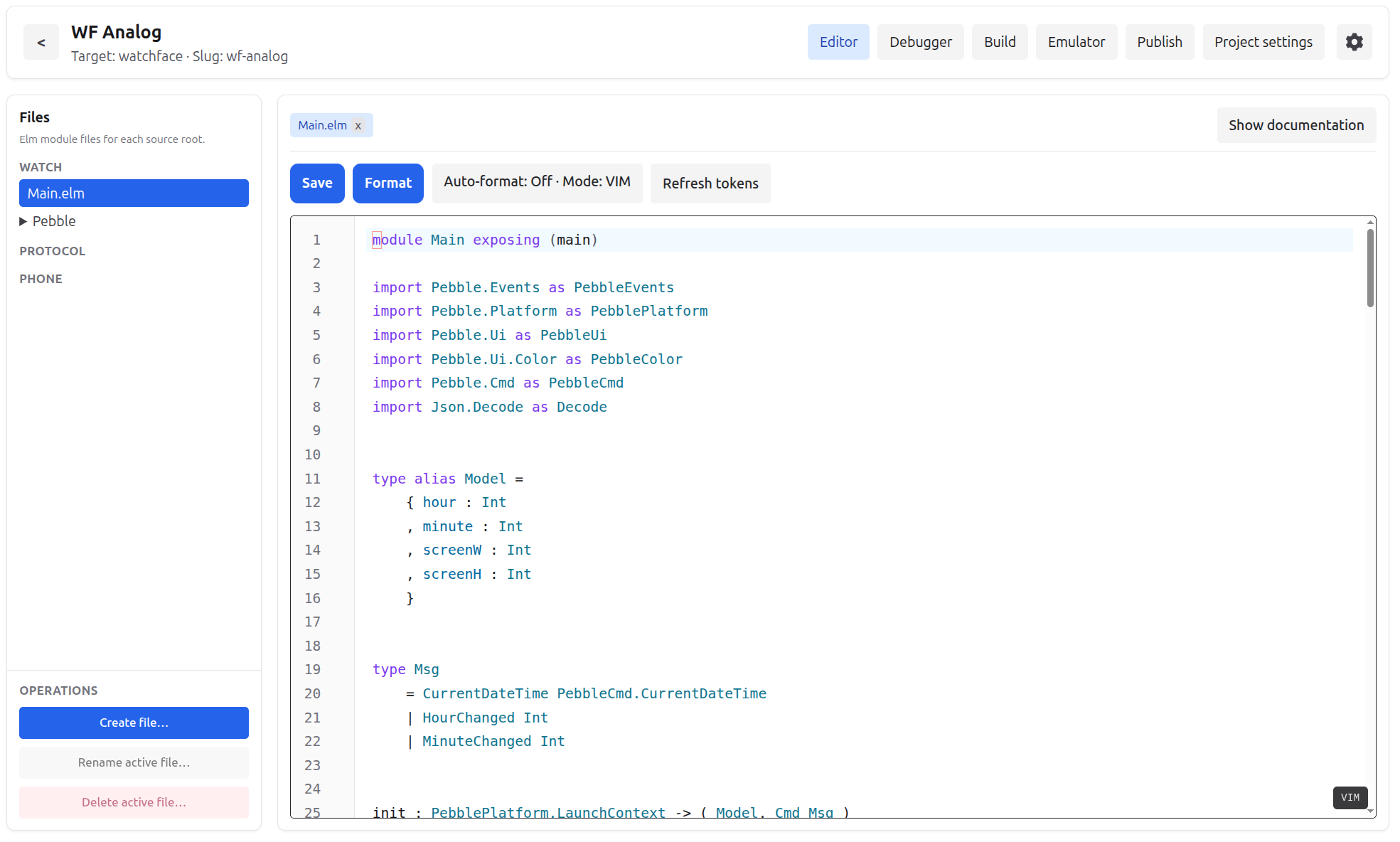
Edit watch, protocol, and phone Elm in one workspace.
Templates ship as working faces and games you can wear.
From idea to wrist
Pebble apps are not web pages: there is no browser on the watch. You write Elm that compiles to C and drives Pebble's native UI.
1. Start from a template
Open the IDE and clone YES, Tangram Time, Digital, 2048, or another working project instead of an empty tree.
2. Play in Elm
Describe the screen with Elm and the Pebble UI API; the compiler turns that into native draw code — not HTML or CSS on the watch.
3. Try it on hardware
Build with the Pebble SDK, run the emulator, then install on a Pebble and see how it feels on your wrist.
Why bother (in a good way)
Sketch a face quickly
Elm keeps UI experiments readable, so you can try a layout, adjust it, and keep moving without a pile of mystery state.
Fewer “wait, why did that crash?” moments
Typed messages and explicit updates make small watch apps easier to reason about as they grow.
Make something people can wear
Tweak colors, complications, and interaction details until the watch face feels right on real hardware.
The shape of the system
Elm Pebble keeps the application loop and build pipeline explicit, so you can see where state, events, UI, and Pebble tooling fit together.
Elm Architecture on the watch
Messages come from Pebble events and subscriptions, update changes the model, and view redraws the Pebble UI from that model.
From Elm code to a Pebble app
Elm Pebble branches the project into native C output for the Pebble SDK and JavaScript output for the phone-side companion app.
Features
Elm Pebble brings the parts you need for real Pebble projects into one Elm-first workflow.
Elm to native Pebble apps
Write Elm and compile to C code that runs on the Pebble SDK instead of a browser runtime.
Typed Pebble UI
Build watch screens with Elm data structures for text, images, shapes, layout, colors, and resources.
Companion communication
Define shared protocol types for watch-to-phone messages, including AppMessage-style data flow.
Project templates
Start from working watchface, companion app, and game templates instead of assembling the structure by hand.
Hosted and local IDE
Edit, inspect, and build projects at ide.elm-pebble.dev or run the same IDE locally with Docker.
Hardware-oriented loop
Use the Pebble SDK and emulator, then install on Pebble watches with the companion app and appstore.
Open the hosted IDE to create a project, or clone the repository and run docker compose up -d for a local workspace.